By
By 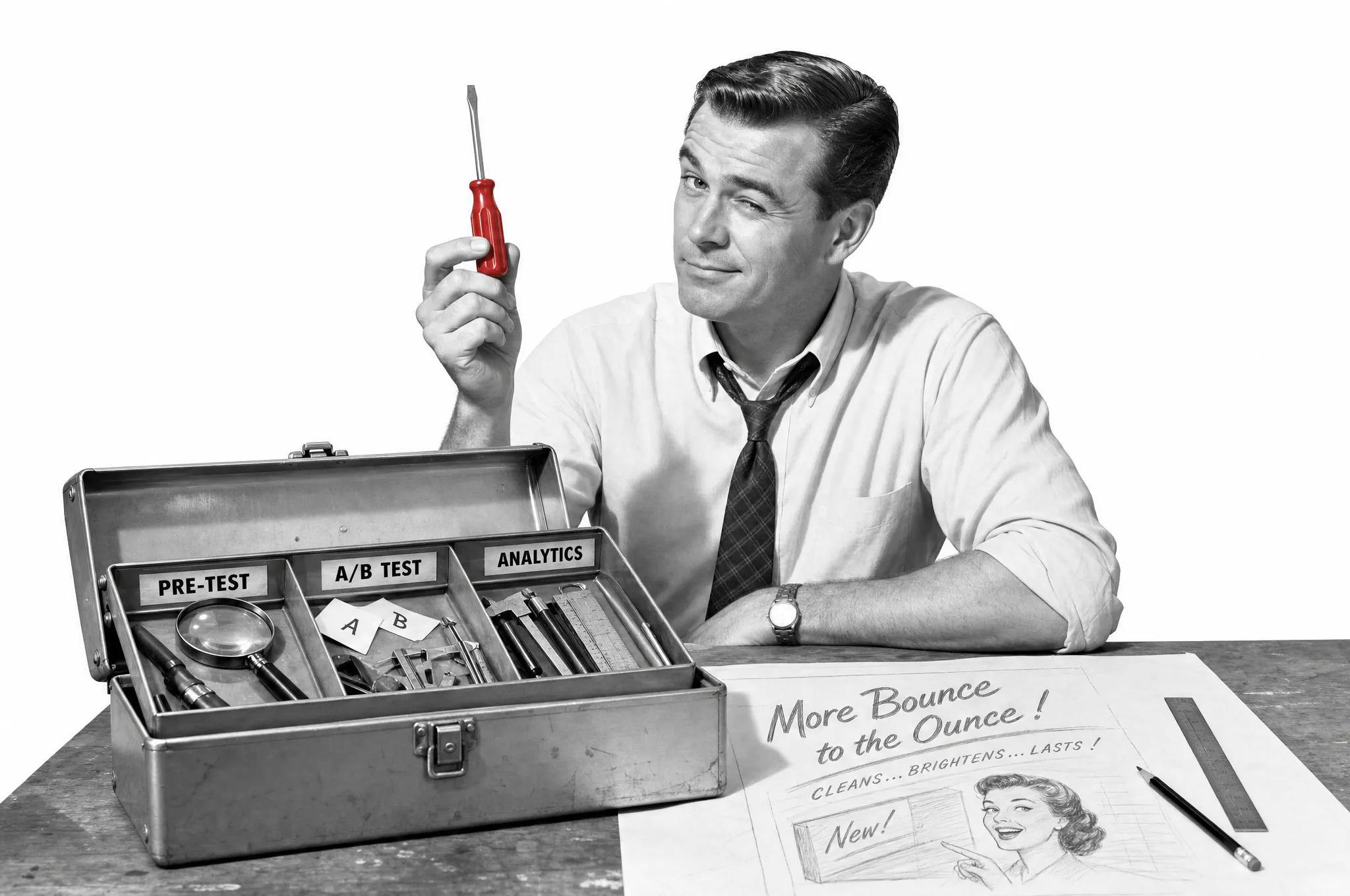
Every “best ad testing tools” list has the same flaw. It puts a consumer research panel, a Meta split-test button and a creative analytics dashboard in one ranked table, as if they compete. They do not. They do three completely different jobs, and picking the wrong category is how brands end up paying enterprise research prices for a problem a free tool would have solved, or running a live A/B test that their traffic can never make significant.
So this is not a ranking. It is a map. Sort the tools by the job you actually need done, then the shortlist inside each job is short and obvious.
The three jobs ad testing tools actually do
There are only three, and almost every tool on the market is built for one of them.
The first is pre-launch pre-testing: showing an ad, or the concept behind it, to a sample of target buyers before you spend, to screen out weak creative early. The second is in-flight A/B testing: running finished variants against live traffic, with real money, to see which one actually converts. The third is post-launch creative analytics: pulling your live ad data together to explain which creatives are winning and why, so the next round is smarter.
Pre-testing asks “is this worth launching?” In-flight testing asks “which of these that we launched is winning?” Analytics asks “why, and what should we make next?” A serious programme uses all three, in that order, and no single tool does all three well despite what the homepages claim. If you only remember one thing from this piece, remember to buy for the job in front of you, not the brand with the best marketing. The same logic applies to concept testing for products and packs: an ad is just another concept you can test before you commit.
Job one: pre-testing creative before you spend
This is the job most e-commerce brands skip, because it used to mean a research agency and a three-week wait. It no longer does, and it is the highest-value testing you can run, because screening a weak concept costs almost nothing compared with discovering it live. These are the creative testing tools built to give you a buyer read before a penny of media is spent. If you want the method behind them rather than the shortlist, the complete guide to ad testing walks through how to run a clean pre-test.
Zappi is the consumer-research incumbent. You test concepts, storylines, messages and finished creatives against target audiences and get structured diagnostics back before launch. It is strong, methodologically serious, and priced and paced for brand and insights teams rather than a founder who wants an answer this afternoon.
Attest and Swayable sit in a similar space with different emphases. Attest runs survey-based creative testing against its own audience panels, good when you want quantified feedback from a defined segment. Swayable is built around randomised controlled experiments that measure lift: whether a creative actually shifts perception, intent or preference versus a control. Both are rigorous, both are aimed at brands with real research budgets, and both are overkill if you just need to choose between three hooks.
System1 and Kantar are the enterprise end of the aisle. They test finished ads against large benchmark databases and predict things like long-term brand effects. If you are running television or a national campaign and need a score you can defend to a board, this is the tier. If you are a growing DTC brand testing paid social creative, it is more machinery than the decision warrants.
PickFu is the scrappy opposite: fast, cheap poll-style tests where you put two creatives in front of a demographic panel and get ranked preferences and written reasons back in under an hour. It is closer to a quick gut check than a controlled study, but for early screening that is often exactly what you need.
TestFeed belongs in this job too. You put an ad, a hook, a claim or a concept in front of your target shoppers, and you get back a purchase-intent read, a plain verdict, the shoppers’ reasons in their own words, and a clear next move, in days rather than weeks. The point is to screen creative cheaply and quickly so only the strongest ideas reach your media budget. Be clear-eyed about what it is: a pre-spend, directional signal, not a market forecast or a guaranteed sales number. It tells you which ads are worth launching and which to cut; it does not replace watching real behaviour once they are live.
Across all of these, the strongest pre-test pairs a number with the reasons behind it. A purchase-intent score tells you whether an ad works; the open-text “why” tells you what to fix. You rarely act well on one without the other, so favour tools that give you both over a bare score.
The reason this whole job matters is not soft. The single biggest driver of whether an ad sells is the creative itself, not the targeting or the bid. Nielsen’s analysis of advertising’s sales drivers found that creative quality contributes as much to in-market success as all other factors combined, up to roughly 89 per cent of the sales impact for digital advertising when the creative is strong. And weak creative is expensive: System1 and Peter Field’s Extraordinary Cost of Dull analysis found advertisers have to spend up to 2.6 times more on a dull ad to match the market-share growth of an interesting one. If creative is the lever and dull creative costs you multiples in media, the cheapest place to catch a dull idea is before it launches.
Job two: A/B testing ads in-flight
Once you have decided what to launch, in-flight tools run the survivors against live traffic and measure what people actually do. This is where the native platform tools earn their place, and where you should be honest about the maths.
Meta’s A/B test tool is free and the right default for most stores advertising on Facebook and Instagram. It splits your audience into random, non-overlapping groups and shows each group one version, so the comparison is clean, unlike eyeballing two campaigns side by side where the platform quietly reallocates budget and contaminates the result. Meta’s own documentation walks through the setup and, usefully, tells you when a test is underpowered. Google Ads offers the equivalent for search and display through experiments and ad variations. Neither costs anything beyond the media you were spending anyway.
Marpipe is the tool to reach for when you want to test many creative combinations at once. It is built for multivariate testing: it generates variants by combining images, copy and calls to action, then runs them at scale so you can isolate which elements drive performance. It suits ecommerce teams with the volume to fill a proper test matrix and the appetite to run structured experiments rather than one-off splits.
Sovran narrows in on video. It turns existing footage, UGC and past winners into controlled variations that isolate hooks, formats and creators, which is where most of a video ad’s performance is decided. If your paid social is video-led, it is a more surgical way to test than swapping whole ads.
Now the honest limitation, because no in-flight tool can save you from it. A conversion-based A/B test needs roughly 100 conversions per variation before the result means anything, and a run of at least seven days to cover weekday and weekend behaviour. If your store converts a few per cent of clicks and you split budget across three or four variants, you need thousands of clicks per variant to get there, and by the time you have spent your way to significance the test has cost more than the insight and the creative may already be fatiguing. This is not a knock on the tools. It is arithmetic, and it is exactly why job one exists. If low traffic is your constant, do your real deciding before you spend, and treat in-flight testing as confirmation rather than search.
Job three: understanding why live ads win
The third category is the one that confuses people most, because these tools call themselves “ad testing” but they do not run tests at all. They read your live campaign data and tell you which creatives are working and, crucially, why. Their job starts after the spend.
Motion pulls creative and performance data from Meta, TikTok and other channels into visual, ad-level reports, so you can see which hooks, formats and messages are winning across active campaigns and plan the next round. Superads does similar work with an emphasis on AI creative tagging, labelling the hooks, formats and CTAs inside each ad so you can connect specific creative elements to performance across platforms. Triple Whale folds creative analysis into a broader e-commerce analytics suite, which suits brands that want creative reporting alongside their revenue and attribution data; if you are weighing it up, we cover the Triple Whale alternatives too. GetCrux aims at the enterprise end, tagging creative elements, detecting fatigue and recommending what to scale, pause or refresh.
These are genuinely useful, and for a brand shipping a lot of creative every week they close the loop: the analytics tell you what patterns are working, which feeds the next brief, which you pre-test, which you launch and A/B test. But do not buy one expecting it to test anything. It explains results; it does not produce them. If you are not yet spending enough to have interesting patterns in your data, this category can wait.
A word on the AI creative scorers
A newer wave of tools, AdCreative.ai, AdTest.ai, Pencil and others, will score a creative before launch using models trained on past ad performance, and often generate variants too. They are fast and cheap, and as an early filter for obvious weak spots they have a place.
Treat the score for what it is: a model’s opinion, not a sale. An AI trained on other brands’ ads does not know your buyers, your price point or your category’s quirks, and a confident number can talk a team into launching something a real buyer would have shrugged at. Use them to sift a large batch quickly, then put a human buyer read on the decisions that cost real money. A score narrows the field; it should not make the final call on its own.
How to choose, in one table
Match the job to the tool type and the shortlist writes itself.
| Your situation | The job you need | Where to look |
|---|---|---|
| Deciding which of several concepts to launch | Pre-launch pre-testing | TestFeed, PickFu for a fast read; Zappi, Attest, Swayable for panel research; System1, Kantar for enterprise |
| Low-traffic store, expensive to be wrong | Pre-launch pre-testing | Pre-test first; do not rely on in-flight tests you cannot make significant |
| Enough traffic to run a clean split test | In-flight A/B testing | Meta A/B test or Google Ads experiments (free), Marpipe for multivariate, Sovran for video |
| Shipping lots of creative, want to know why winners win | Post-launch analytics | Motion, Superads, Triple Whale, GetCrux |
| Sifting a large batch of drafts quickly | AI pre-screen | AdCreative.ai, AdTest.ai, Pencil, as a filter only |
Read down the left column, find your row, and ignore everything that belongs to the other jobs. Most brands need one tool per job, added in order as they grow: pre-testing first, then a free native A/B tool, then analytics once the volume justifies it.
How to read any ad-testing roundup, including this one
Nearly every ad-testing list online is published by one of the tools on it, and the tool that published it always wins. That is not a conspiracy; it is just how the incentive works, and it is worth knowing when you read one. The tell is a list that ranks incompatible tools against each other and puts the author’s product at number one.
So let me hold myself to it. TestFeed is my company, and it sits in job one above, among its peers rather than at the top, because this genuinely is a map and not a ranking. Test this piece the way I have just told you to test the others: check whether it ranks tools that do different jobs against each other, and whether it crowns the author’s product. It does neither, on purpose. The day it starts to, stop trusting it.
A more useful question than “which tool is best” is “which job am I buying for, and is this tool actually built for that job.” Sort by the job, be honest about your traffic, and you will spend less and learn more than a brand that bought the tool with the loudest homepage.
Frequently asked questions
What are ad testing tools?
Ad testing tools are software that helps you judge whether an ad will work before, or instead of, spending your full media budget on it. They split into three jobs: pre-launch pre-testing, which puts a concept, hook or creative in front of target buyers before you spend; in-flight A/B testing, which runs variants against live traffic and measures real behaviour; and post-launch creative analytics, which explains which live ads are winning and why. Most tools are strong at one of the three, so the right choice depends on which job you actually have.
What is the difference between pre-launch and in-flight ad testing tools?
Pre-launch tools test the ad, or the idea behind it, before you spend, by showing it to a sample of target buyers and measuring appeal, comprehension and purchase intent. In-flight tools run finished ads against live traffic with real money and measure clicks, cost per acquisition and return on ad spend. Pre-launch is fast and cheap and gives a directional read; in-flight is slower, needs traffic volume, but measures actual buying. Strong programmes use both: pre-test to decide what to launch, A/B test to confirm what scales.
What are the best free ad testing tools?
The best free ad testing tools are the native ones inside the ad platforms. Meta’s A/B test tool splits your audience into random, non-overlapping groups so the comparison is clean, and Google Ads offers experiments and ad variations for search and display. Both are free to use beyond the media you spend. The catch is that a valid conversion test needs roughly 100 conversions per variation, so free does not mean cheap if your traffic cannot reach significance.
Do AI ad testing tools actually predict performance?
AI creative scorers give you a fast, directional read, not a guarantee. Tools that score a creative before launch are useful as an early filter, especially for screening out obvious weak spots, but a score is a model’s opinion, not a sale. Treat the number as a prompt to look closer, weigh it against a real buyer read where the decision is expensive, and never let a single AI score be the only thing standing between an ad and your media budget.
What is the best ad testing tool for a small Shopify store?
For most small stores the honest answer is a pre-launch pre-testing tool rather than an in-flight A/B platform, because low-traffic stores rarely generate enough conversions per variation to reach statistical significance in a sensible window. A pre-testing tool that gives a directional buyer read in days lets you screen weak creative cheaply, then put your limited budget behind the two or three ideas most likely to sell.
Where to start
Pick the job you have this week, not the tool with the best reviews. If you are about to launch and unsure which creative deserves the budget, start with pre-testing: put your concepts in front of real category buyers, not your team, and decide what “good enough to launch” means before you look at the results. Once the winners are live and your traffic can support it, a free native A/B test confirms which one scales. Add a creative analytics tool only when you are shipping enough ads to have patterns worth reading. For where this sits in a wider campaign, the audience testing guide covers how to run a clean pre-launch read, and the guide to AI market research shows where fast, pre-spend research fits the rest of your decisions.